
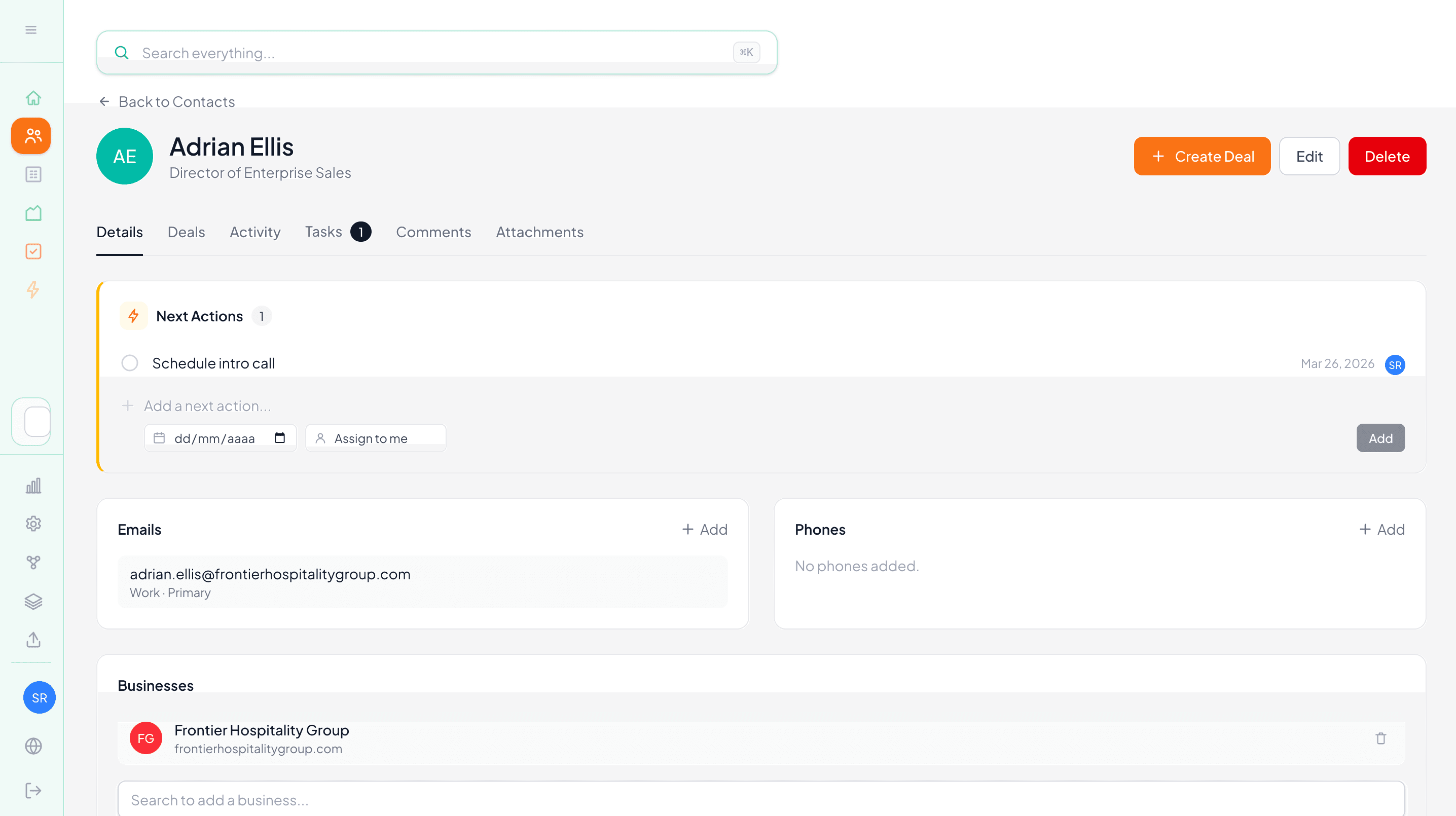
One of the most common gaps in any CRM is email. You have a solid pipeline, clear next steps, and a well-organized contact list — but the actual conversations with those contacts are scattered across inboxes, not attached to any record. When you need context before a follow-up call, you're hunting through sent folders instead of just opening the contact.
Nudge's email capture feature closes that gap without adding any extra steps to how you already work.
How it works
Every Nudge workspace has a dedicated inbox address, something like your-workspace@inbox.nudgecrm.co. You can find yours in Settings under the Email page.
When you send an email to a contact or prospect, just BCC (or CC) that address. Nudge picks up the email and automatically attaches it to the matching contact's activity timeline. That's it. No forwarding, no copying and pasting, no manual logging.
The next time you or a teammate opens that contact record, the email thread is right there alongside calls, notes, and meetings.
Matching emails to contacts
Nudge matches incoming emails to contacts by email address. If the person you emailed is already a contact in your workspace, the email lands on their activity timeline automatically.
If there's no match, the email goes into a review queue rather than disappearing. From there, you can assign it to an existing contact, create a new one, or add the email address to an existing contact record so future messages from that address match automatically.
Why this matters for your team
Email context is often the difference between a good follow-up and a fumbled one. When a teammate takes over a deal, or when you're preparing for a call after a few weeks away from an account, having the full email history on the contact record means you're not starting from scratch.
It also keeps your activity timeline honest. Notes and logged calls are useful, but email is often where the real back-and-forth happens. Capturing it automatically means your CRM reflects what's actually going on, not just what someone remembered to log.
A simple habit with a real payoff
The only change to your existing workflow is adding your workspace address to the BCC field when you send. Most email clients make this easy to set as a default for specific contacts or domains if you want to make it even more automatic.
Over time, your contact records build up a complete picture of every conversation, without anyone having to maintain it manually.
Start your free trial and find your workspace email address in Settings to get started.
-- The Nudge Team