
Introduction
Effective relationship management is essential for small teams aiming to expand their networks and close more deals. Poor workflows can lead to missed opportunities, delayed follow-ups, and overlooked details. CRM tools like Nudge address these issues by simplifying contact management, tracking every interaction, and helping maintain a healthy sales pipeline. With a streamlined system, professionals can dedicate more time to building relationships and driving sustained business growth.
The Power of LinkedIn in Professional Networking
LinkedIn remains a key platform for professional networking. Its vast database grants access to valuable information, including job titles, company affiliations, and career histories across all industries. For small teams, a LinkedIn profile is more than a digital resume; it is a valuable resource for understanding prospects and expanding your professional network. Integrating LinkedIn into your contact management process keeps your strategies competitive and your database up-to-date.
Introducing Nudge's LinkedIn Integration
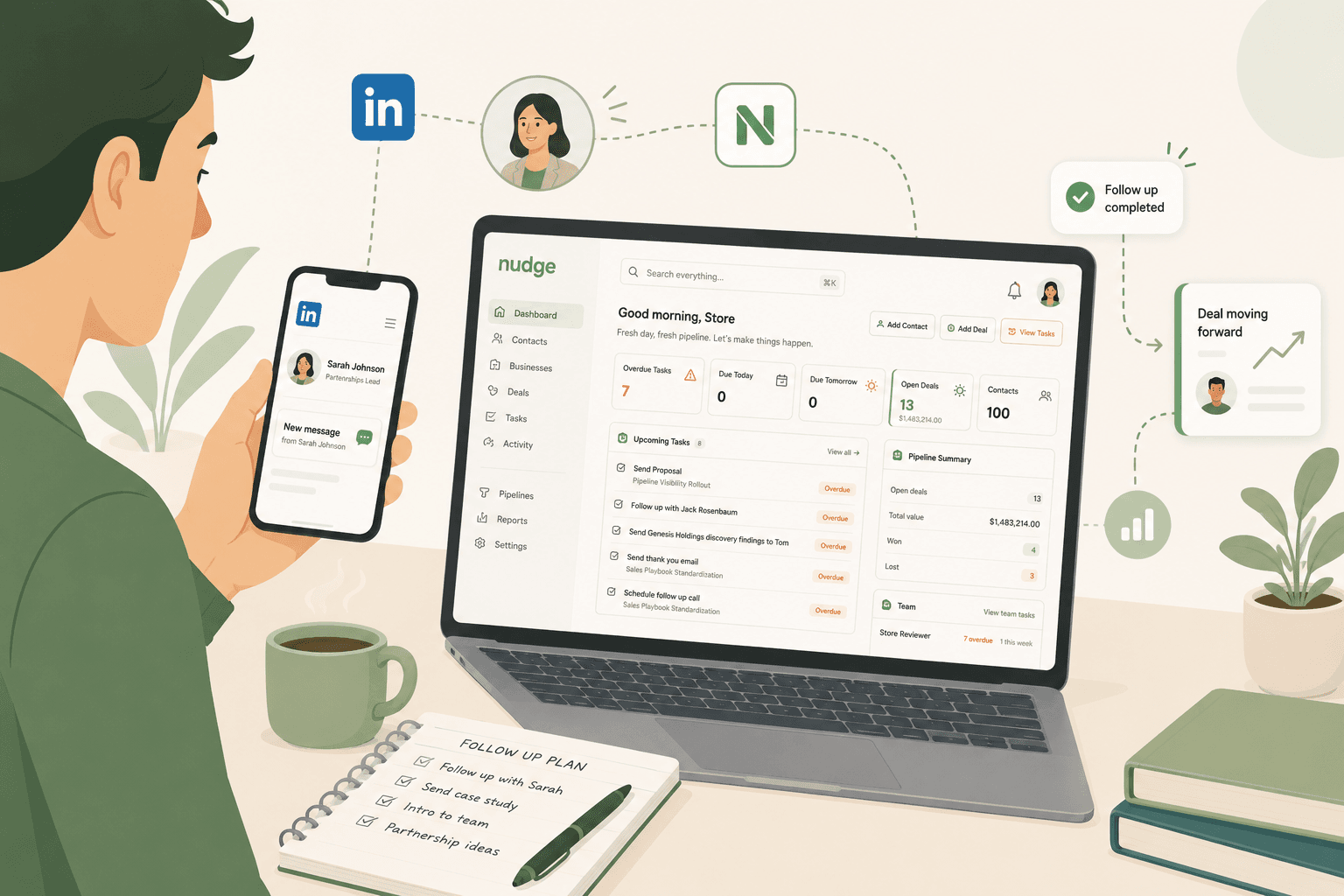
Nudge now features a LinkedIn integration that streamlines the process of adding new contacts. When you add a contact in Nudge, you have the option to input the LinkedIn profile URL. If you provide this URL, Nudge scrapes the LinkedIn profile page and automatically fills out the contact record with key details. This means you cut down on manual data entry.
After scraping the LinkedIn profile, Nudge presents an editable preview that displays information such as the contact's name, job title, company, email (if available), phone number, and location. You can review and adjust these details before saving the contact to your CRM. This ensures each contact profile starts off accurate and tailored to your needs.
How the LinkedIn Integration Works
Adding a contact with Nudge's LinkedIn integration is straightforward:
- Start Adding a Contact: Begin from your Nudge dashboard as you typically would.
- Enter the LinkedIn Profile URL: Input or paste the LinkedIn URL for your new contact into the provided field.
- Nudge Scrapes and Populates Data: Nudge automatically collects available details from the LinkedIn profile, including name, job title, company, email, phone number, and location.
- View and Edit Before Saving: An editable preview lets you check, update, or supplement the extracted information. You decide what details to save.
- Finalize and Save: Confirm the information and add it to your CRM, now complete with up-to-date LinkedIn data.
This simple workflow not only saves time, but it also reduces errors and ensures every new relationship starts with comprehensive and accurate data.
Benefits of LinkedIn Integration in Nudge CRM
Nudge's LinkedIn integration delivers clear benefits for founders, agencies, and small sales teams:
- Faster Data Entry: Automate contact addition and eliminate repetitive copy-paste tasks, so your team can focus on building relationships.
- Improved Data Accuracy: By pulling details directly from LinkedIn, records remain complete and up-to-date, making your CRM more reliable.
- Personalized Outreach: Access to detailed, current profiles enables tailored communications and stronger connections with each contact.
With these advantages, sales and relationship managers are better equipped to deepen relationships and achieve improved results.