
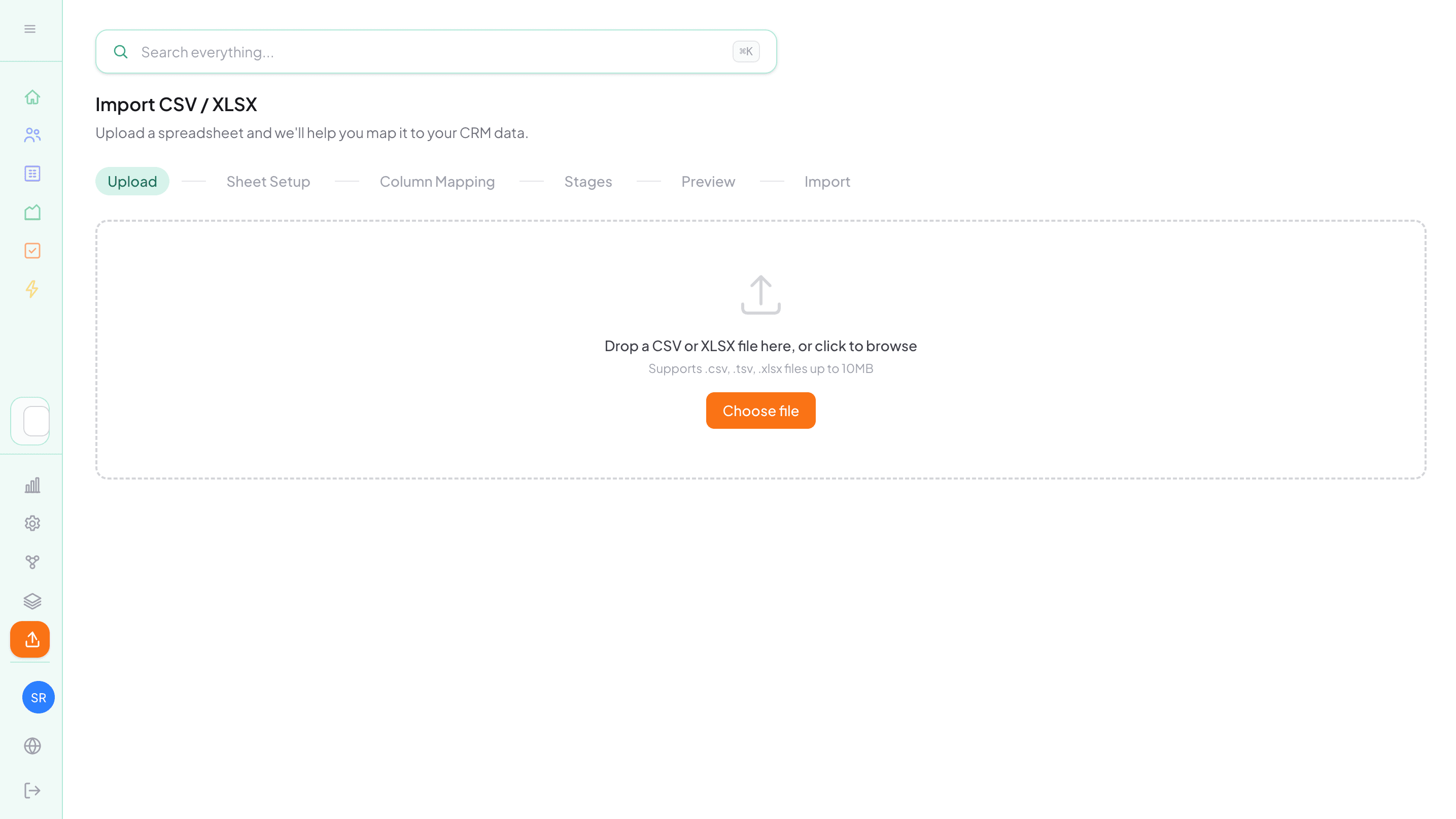
For most teams switching to a new CRM, the first real obstacle isn't learning the tool. It's the data migration. Taking years of contacts, deals, and notes out of a spreadsheet (or worse, out of another CRM) and getting it into a new system in a way that actually makes sense is the kind of task that gets pushed to "next week" indefinitely.
Traditionally, CRM migrations meant bringing in specialists, writing custom scripts, and spending days manually mapping fields. A single misplaced column could ripple through everything, leaving you with unreliable data and a pipeline you couldn't trust. For smaller teams without dedicated IT resources, that was often enough to abandon the idea entirely.
AI is changing that. Nudge's AI import is built to remove the obstacle. You upload your file, the AI figures out what's in it, and you review the result before anything is created. The whole process takes minutes, not a weekend.
It understands your spreadsheet structure
Most import tools expect a clean, single-sheet file with columns that match their exact field names. Real spreadsheets don't work like that.
Nudge's AI import reads your CSV or XLSX and identifies what each column actually represents: whether that's a business, a contact, a deal, or an activity. It handles mixed columns, inconsistent naming, and multi-sheet workbooks where each tab might represent a different pipeline or dataset. What used to require manual field mapping and custom scripts now happens automatically, without you needing to reformat anything before uploading.
You stay in control
After the AI does its analysis, you get to review everything before a single record is created.
The mapping screen shows you how each column will be matched to a field in Nudge. If there's an existing custom field that fits, the AI suggests it. If your spreadsheet has data that doesn't match anything yet, it can propose new custom fields, which you approve before they're added.
From there, a dry-run summary shows exactly what will be created, updated, or skipped. If there are rows with errors, you can download them separately and fix them without it affecting the rest of the import.
Duplicates and data quality
One of the most common problems with data migrations is ending up with duplicate records. The same contact under two slightly different names, or a business imported twice from different sheets. Beyond duplicates, source data often has inconsistent formats: phone numbers written five different ways, dates that don't match, fields that are only partially filled in.
Nudge handles this before anything lands in your CRM. The AI detects potential duplicates based on email, phone, and domain, and presents a merge preview so you can decide how to handle each one. It also flags incomplete records during the review stage, so what gets imported is clean data you can actually rely on.
Undo is there when you need it
Even with a dry-run and a full review, imports don't always go exactly as planned. A column might have been mapped slightly wrong, or the source data turned out to be less clean than expected.
Nudge lets you undo an import and roll back the changes. Knowing you can course-correct means you can import with confidence rather than spending an hour second-guessing every mapping decision.
What it means in practice
Getting your CRM set up has historically been the thing that stops teams from actually using one. The data migration becomes a project, the project gets delayed, and the spreadsheet stays the source of truth for another six months.
With Nudge, you can go from a spreadsheet to a working pipeline in the same sitting. Upload your file, review the mappings, confirm the import, and you're in. Your contacts, businesses, deals, and activities land in the right place, and you can start working from a real pipeline the same day.
Start your free trial and import your first spreadsheet in minutes.
-- The Nudge Team